
Audio overlap technique in which the soundtrack of the current scene continues after the visual cut – creates emotional depth and visual continuity.
Famous examples · L-Cut
The Graduate
Nichols and editor Sam O'Steen consistently use L-Cuts to let Simon & Garfunkel's music continue across picture cuts, underscoring Benjamin's inner turmoil and a sense of timelessness.

Apocalypse Now
Walter Murch, pioneer of modern film sound, deploys L-Cuts to let sounds and dialogue bleed across scene boundaries, making Willard's psychological disintegration audibly seamless.

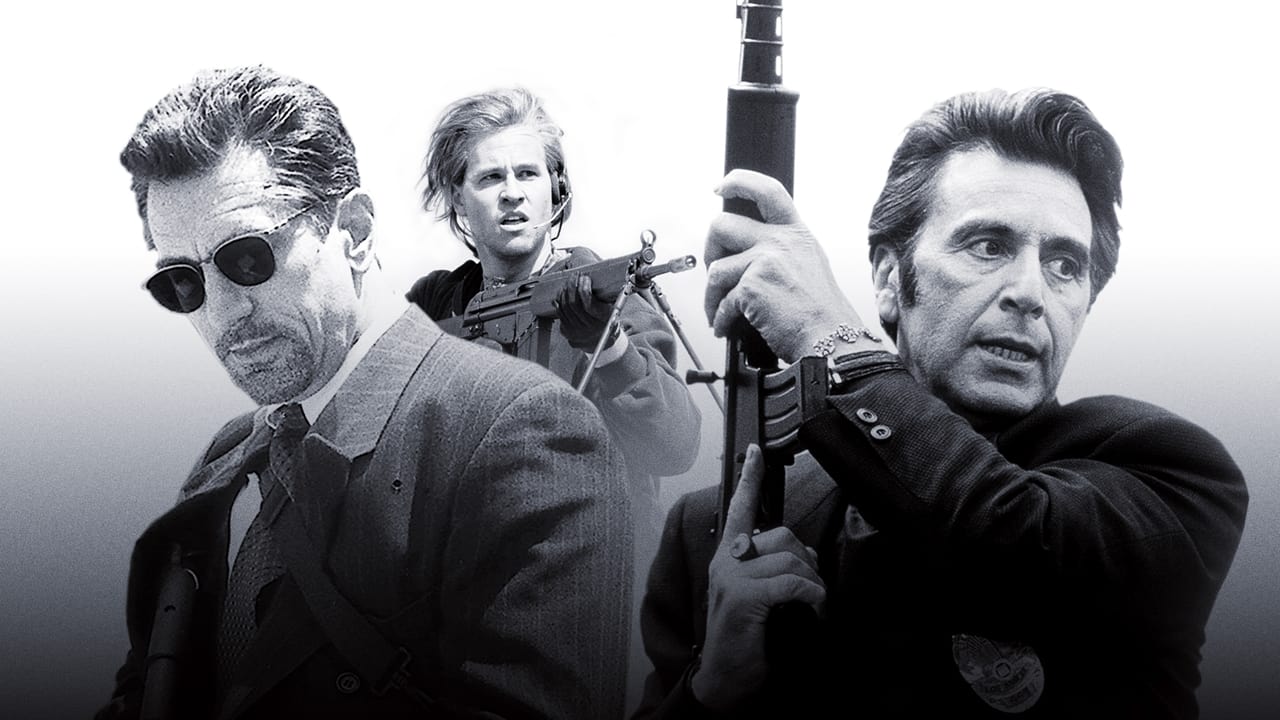
Heat
Michael Mann and editor Dov Hoenig use L-Cuts in interrogation and planning sequences so that lines of dialogue linger past the picture cut, emphasizing the mental connection between Hanna and McCauley.
Succession
The series' editors systematically employ L-Cuts to let the Roy family's verbal power plays continue past picture cuts, extending the emotional weight of confrontations into the next scene.
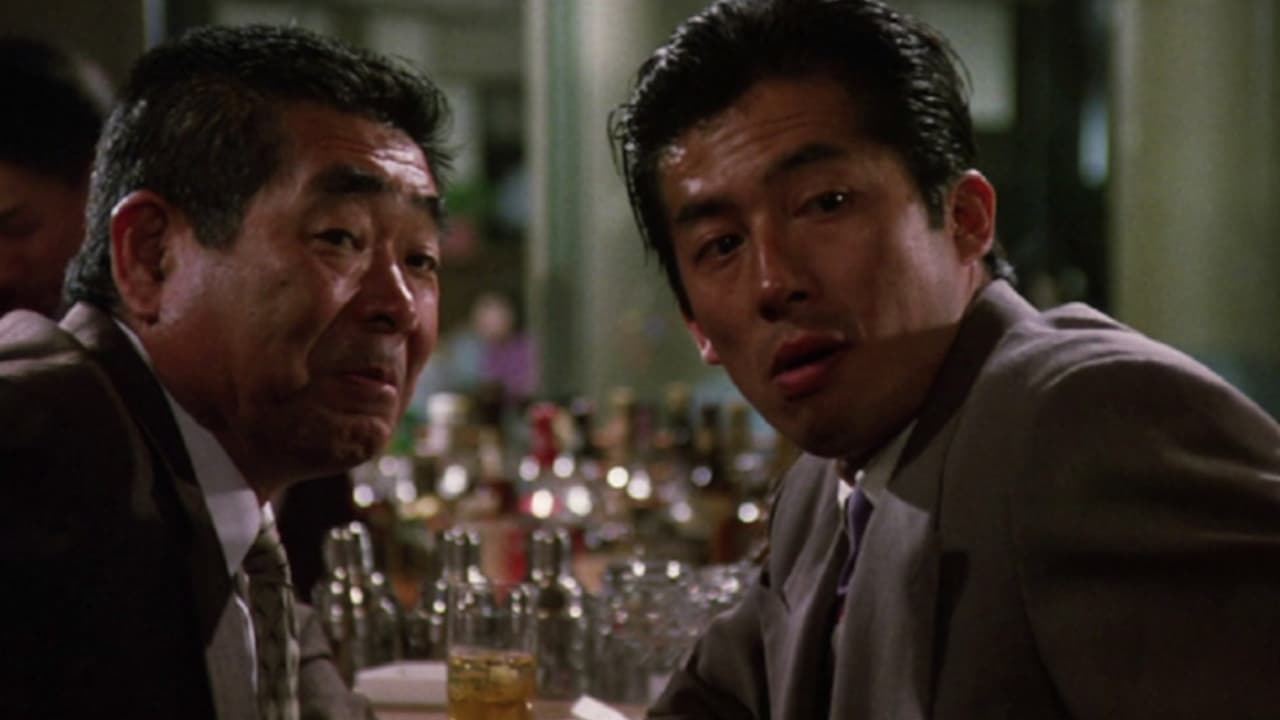
Film stills sourced via the TMDB API. This product uses the TMDB API but is not endorsed or certified by TMDB. themoviedb.org ›
Definition
The L-Cut (also known as "Audio Lag" or "Audio Lead") is the opposite of a J-Cut. The video jumps to the next scene while the audio track of the current scene continues to play. The name describes the resulting shape in the timeline – an inverted "L".
Technical Details
NLE Implementation
Adobe Premiere Pro:
- Cut video clip to the next scene
- Let audio clip run 0.5-3 seconds longer on a separate track
- Use Unlink function (Alt+Click)
- Add audio fade-out for smooth transitions
- Apply de-esser or EQ for natural audio decay
Final Cut Pro X:
- Place clips with Connected Stories on separate roles
- Use Cmd+Opt+V to detach audio/video
- Use Slip Edit for offset adjustments
- Utilize Keyword Flags for later referencing
DaVinci Resolve (Edit & Fairlight):
- Audio and video clips on separate tracks
- Use Slip Edit tool for timing adjustments
- Use Fairlight Page for audio decay and level automation
- Use Fade Curves for natural audio decay
Avid Media Composer:
- Activate Split Edit Mode
- Drag audio segment beyond video
- Use Digital Ripple for automatic length adjustment
- Use Trim Curve Editor for audio fades
Timing Parameters
- Subtle: 0.3-1 second (dialogue resonance)
- Emotional: 1.5-3 seconds (emphasis on reaction)
- Thought Pause: 3-5 seconds (making internal processes visible)
- Transition: 2-4 seconds (location change with sound continuity)
At 25fps, one second of audio overlap corresponds exactly to a 25-frame offset to the video cut. Modern NLE systems allow for precise frame-accurate L-Cuts through split-edit functions.
History & Development
The L-Cut developed in the 1930s parallel to the introduction of sound film, as editors realized that rigid audio-video coupling appeared unnatural. In 1940, Howard Hawks systematically used L-Cuts in "His Girl Friday" for overlapping dialogue with up to 240 words per minute speaking speed. The term "L-Cut" only became established in the 1980s with the advent of computer-based editing systems that visually represented audio and video tracks. The Steenbeck era still required mechanical separation of picture and sound prints, making L-Cuts technically complex.
Practical Application in Film
Emotional Depth in Dialogue Scenes
L-Cuts reveal the inner reactions of characters. While one person speaks, the camera shows the listener's reaction – facial expression and emotional process. The speaker's voice continues, giving weight to the visual reaction.
In "The Social Network" (2010), editor Angus Wall used L-Cuts with 2-4 second overlaps for Aaron Sorkin's rapid dialogue to subtly portray tension between characters.
Phone Call Scenes
In phone calls, the voice of the unseen speaker often continues across multiple cuts while the camera shows the reacting person. This creates continuity despite spatial separation.
Action and Sound Continuity
Action sequences use L-Cuts for continuous soundscapes during rapid picture changes. Engine noises, gunshots, or explosions carry over cuts, creating cohesion.
Workflow Integration
- Video Edit: Assemble all visuals in the desired order
- Audio Assessment: Which sound elements can continue longer?
- L-Cut Placement: Deliberately let audio overshoot for emotional impact
- Fade Automation: Adjust audio curves for natural decay
- Mix & Master: Adjust levels and EQ for balance
Comparison & Alternatives
| Technique | Video Movement | Audio Movement | Effect |
|---|---|---|---|
| L-Cut | Cut | Delayed | Reaction, Resonance |
| J-Cut | Delayed | Cut | Anticipation, Preview |
| Split Edit | Both delayed | Different Timing | Flexible Transitions |
| Straight Cut | Synchronous | Synchronous | Direct, Precise |
The J-Cut reverses the process – here, the sound of a new shot begins before the picture cut. Match-cuts require precise audio-video synchronization. Cross-fades blend audio and video simultaneously and fundamentally differ from the hard picture cut of an L-Cut.
Professional Tips
Best Practices
- Audio Quality: The trailing audio must be clean and high-quality – levels must be consistent
- Fade Curves: Use automation instead of a hard cut-off at the end of the audio run
- Context Sensitivity: The length of the overlap should match the emotional scene
- Level Balance: Ensure that the trailing audio does not dominate the new scene
- Ambiance & Sound Design: L-Cuts work better with thoughtful sound design
Common Mistakes
- Audio runs too long and becomes distracting
- Abrupt end of the audio track (missing fade)
- Overuse leads to artificiality
- Poor audio quality at the transition
See Also
- J-Cut – Audio before picture cut